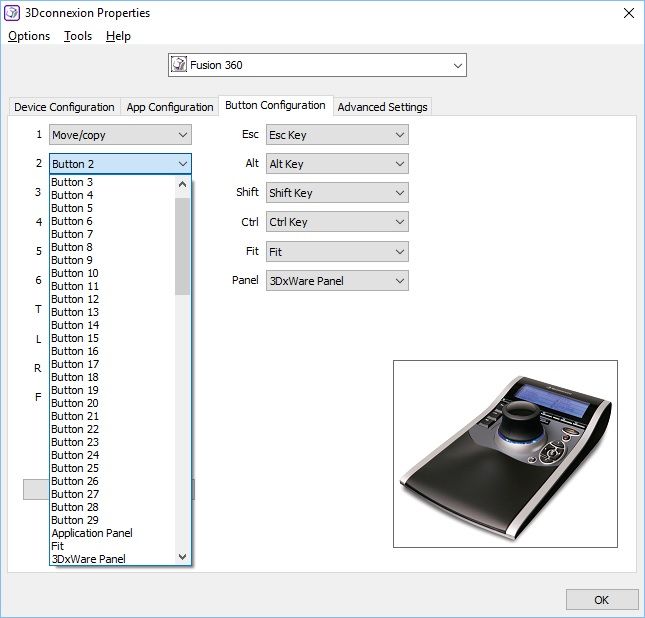
I've bought a used 3dConnexion SpacePilot (yes, the old one with b/w display) which is quite helpful when working in Fusion360. I have found that when opening the button assignment panel, in the drop-down list, there are 30 entries named like "Button nn". Some of these buttons appear to control Fusion in different ways (like view front, top and so on) but what Fusion commands function lies behind these generic names?
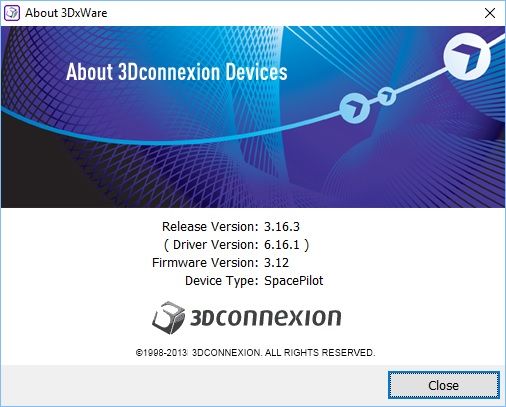
First of all, the latest driver package (V 10) does not work with my device. I use the legacy driver on my Win10 desktop pc.
When I call up the config panel, I select the Button configuration tab. Each physical button can be assigned any of the listed entries in the drop-down list. The "secret" assignable buttons 1 to 29 is what this is all about:
This is what I fount out so far:
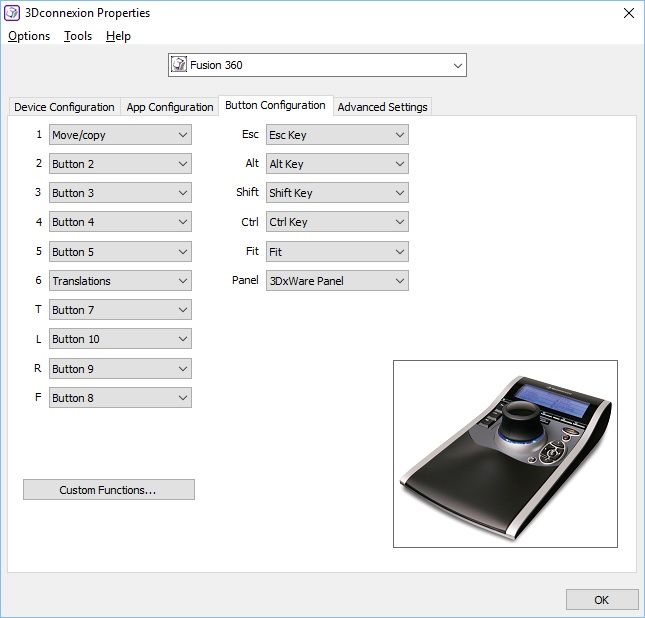
For the physical view keys seen in the lower right corner of the device, I have found that if I assign the "Button 7" to the physical T-key (TOP), Fusion will set the view to TOP. The same applies to the next three physical buttons L(left), R(Right) and F (Front) which have been assigned the generic buttons 10, 9 and 8. Fusion seems to interpret some of these generic buttons as commands. The task at hand is to find out what command's 'hiding' behind these generic buttons.
Clearly, the device works fine with Fusion360. but i cannot seem to find any info on how these generic buttons are mapped to Fusion 360 commands. Does any of you guys know anything about this? Thanks in advance.
Best regards /Thom
