I have a Spacemouse Enterprise where the "Function 7" button stopped working.
It doesn't operate in Windows, in Maya... or any program. All other buttons work fine.
This development was noticed recently as the Spacemouse has gone unused for 3 months.
I tried:
- Different (directly attached) USB Ports (2.0 and 3.0 types)
- Updating (overwriting) Firmware 4.42 with same version.
is this common with this model? is there a known solution? I tried searching the web and this forum, but didn't find the same issue with other users. closest possible solution I could find addressed a 3DxTest.exe program, that doesn't seem to exist with the latest driver install. I also tried pressing the button a little harder, at angles; it does seem like a hardware problem more than a software, but nothing I do registers a response.
Any assistance is appreciated.
Windows 10 22H2
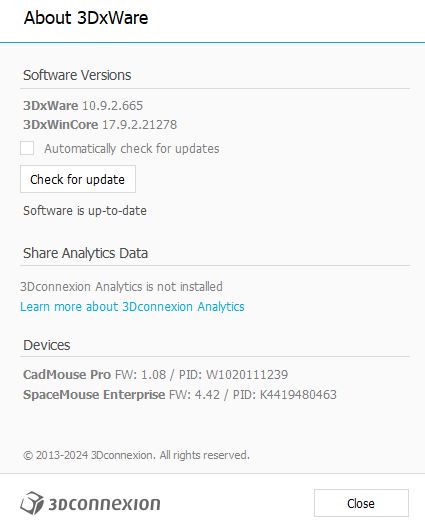
- latestDrivers.JPG (26.83 KiB) Viewed 8038 times
